Build Model 7.1 (The Emergency Room simulation with four differentpatient types) as presented in the ppt slides and the screencast videoabove. Make sure your model incorporates and addresses patientpriorities. Create experiments with response variables, add model properties and/or extend the model to answer following questions:
Q1) How much time does “Routine” patients spent in this system?
Q2) How much time does “Routine” patients spent waiting in the ED queue?
Q3)We would like to keep average “Routine” patient wait time in ED queuebelow 30 minutes. What is the minimum capacity in the ED needed toattain that target?
Note: Run your model for 1100 days with a warm-up time of 100 days for 25 replications.
Submit:Your Simio model file and a response document (word document) to thelisted questions. Clearly present the evidence with screenshots fromyour model and experiments in terms of how you got to the reportedresults. Discuss your findings. Your Simio model file should alsoinclude the experiments reported in your response document.
Hint: Here is one approach how to accomplish Q2 (for computing the routine wait time):
1. I create a tally statistic element to capture Routine patient wait time.
2. I also create a model entity state to capture wait time for Routine entities
3. When an entity enters the ED I run an add-on process. (I choose the process trigger “before processing” option)
4. Within the add-on process I include the following:
4.1 I check whether the arriving entity is a routine patient. (Youcan use a “Decide” step from the standard process library)4.2 If it is, then I compute the time between the current simulationtime and the time when model entity was created and I use an Assign stepthis time to assign this value to the model entity state I createdearlier
4.3 Use a tally step to assign the model entity value to the tally statistic I created earlier
5. Use the tally statistic in the experiment window to get the average value reported.
Working with Model Data: Model 7-1
Material from Chapter 7 of Simio and Simulation: Modeling,
Analysis, Applications
Working with Model Data
• So far we’ve largely entered our data directly into the properties of Standard Library
objects.
– We entered mean arrival time directly into a Source object
– We entered the parameters of the processing-time distribution directly into a
Server object
• There are many cases where other mechanisms are necessary
• Specific types of data, such as time-varying arrival patterns, require a unique data
representation
• In other situations, the volume of data is large enough that it’s necessary to represent
the data in a more convenient form, and in fact even import the data from an external
source.
• In situations where the analyst using the model may not be the same as the modeler
who builds the model, it may be necessary to consolidate the data rather than having
them scattered around the model.
Working with Model Data
2
Model Data
Models often have large
amounts of data that describe
the different objects and entities
that move through the system.
Simio brings the data into
memory for fast and convenient
Data is imported
access.
and held in
memory for direct
Simio can represent data in
and fast access
by the model.
simple tables or in complete
data sets with multiple relations.
The data schema for the tables
are user-defined.
Working with Model Data
External
Data
Simio
Model
3
Simio Data Tables
Working with Model Data
4
Standard Properties
Property Type
Real
Integer
Boolean
Expression
Date Time
String
Event
List
Enumeration
Description
A real constant: e.g. 132.7
An integer constant: e.g. 34 or -27
A true/false check box.
A valid Simio expression involving one or more variables: e.g. (X + Y) / 2.3
A date time value with a calendar date selector: e.g. 1/1/2010 12:00:00 AM
A valid string: e.g. Fred
An event that is defined in the context of the model:
e.g. ModelEntity.Transferred
A value selected from a list that is referenced by the property: e.g. Red
A value from an enumeration that is referenced by the property:
e.g. FirstInFirstOut
A rate table that is defined for this model: e.g. ArrivalPattern
A data table that is defined for this model: e.g. ProductTable
A sequence table that is defined for this model: e.g. RoutingTable
Rate Table
Table
Sequence
Table
State
A state that is defined for this model: e.g. ReworkCount
Schedule
A schedule that is defined for this model: e.g. OverTimeShift
Selection Rule A dynamic selection rule: e.g. Smallest Value First
Working with Model Data
5
Simio Data Tables
Working with Model Data
6
Data Window
• Create and edit data to be used in your
model.
Learning Curve
• Data components include:
– Lookup tables
– Rate tables
– Data tables
– Sequence tables
From/To
Small
– Schedules
Medium
Large
– Changeovers
– Lists (in Definitions window)
Working with Model Data
1
0.8
0.6
0.4
0.2
0
0
12
Small
Medium
Large
0
11.4
14.5
2
0
16.3
45
27.3
0
18
7
Simio Data Tables
Working with Model Data
8
Basics of Tables
Working with Model Data
9
Tables
• Tables have columns and rows.
– Columns are standard properties or references
to objects or elements.
A column is defined by a
strongly typed property.
• A table value can be referenced by row and
column using the syntax:
TableName[RowNumber, ColumnNumber]
TableName[RowNumber].ColumnName
• An object may have an active reference to
a row in the table. In this case a table value
can be referenced as:
TableName.ColumnName
• Other table functions:
A row may be referenced
by an object or entity.
– TableName.AvailableRowCount
– TableName.PropertyName.RandomRow
Basics of Tables
Working with Model Data
11
Element and Object References
• A property can be a reference to an element or an object.
• An element reference can be used to specify a station, tally statistic,
material, or other element type by name.
• An object reference can be used to specify a specific object or a list of
objects.
Working with Model Data
12
Model 7-1 – ED using Data Table
• Single server of capacity 3 handling 4 patient types
each with a unique distribution of treatment times.
• Our patient mix is Routine (40%), Moderate (31%),
Severe (24%), and Urgent (5%).
• Patients arrive an average of 4 minutes apart.
Working with Model Data
13
Defining Model Entities
Working with Model Data
14
Entity Differentiation
Working with Model Data
15
Differentiating Entity Symbols
Working with Model Data
16
Creating a Data Table
Working with Model Data
17
Creating a Data Table
Working with Model Data
18
Adding Columns to the Data Table
Working with Model Data
19
Creating an Object Reference
Working with Model Data
20
Creating Standard Property – Integer
Working with Model Data
21
Creating Standard Property – Expression
Working with Model Data
22
Adding Data to the Table
Working with Model Data
23
Adding Data to the Table
Working with Model Data
24
Referencing Data Tables
Working with Model Data
25
We often find that a
particular entity will
always reference a
specific table row.
We will not use this logic as
we need random arrivals from
4 different patient categories
generated from the same
source object.
Working with Model Data
26
Randomly Selecting Arriving Entity Type
• You can add a numeric column to your table that
specifies the weighting of each row (or entity type).
• Add Standard Property > Real named PatientMix
• Specify that you’ll randomly select a row based on that
column by using the function
TableName.ColumnName.RandomRow.
Working with Model Data
27
Further Steps for Model 7-1
• Add Standard Property > Real named PatientMix
• Complete with data from figure
• Add source with Inter-arrival Time of Random.Exponential (4) Minutes,
and entity selection as in figure.
• Add Server with InitialCapacity 3
• Add Sink, Connect all with Paths.
Working with Model Data
28
Model 7-1 Facility View
Working with Model Data
29
Source Properties
Working with Model Data
30
Server Properties
Working with Model Data
31
Verify Model
• Compute expected service time from proportions of patient types and the
expected service times for each patient type (11.96 minutes => 5.02/hour)
• Use capacity to calculate expected service rate
(5.02 x 3 servers = 15.05/hr)
• Use arrival rate of 15/hour to calculate steady-state server utilization
(15/15.05 = 0.9964).
• Run enough replications to confirm reasonable results.
Working with Model Data
32
Run Parameters for Model 7-1
Working with Model Data
33
Capturing Routine Patient Wait Time
Working with Model Data
34
Capturing Routine Patient Wait Time
Working with Model Data
35
Capturing Routine Patient Wait Time
Working with Model Data
36
Capturing Routine Patient Wait Time
Working with Model Data
37
Capturing Routine Patient Wait Time
Working with Model Data
38
Capturing Routine Patient Wait Time
Working with Model Data
39
Capturing Routine Patient Wait Time
Working with Model Data
40
Capturing Routine Patient Wait Time
Working with Model Data
41
Capturing Routine Patient Wait Time
Working with Model Data
42
Capturing Routine Patient Wait Time
Working with Model Data
43
Response Variables for Routine Wait Time
Working with Model Data
44
Essay Writing Service Features
Our Experience
No matter how complex your assignment is, we can find the right professional for your specific task. Achiever Papers is an essay writing company that hires only the smartest minds to help you with your projects. Our expertise allows us to provide students with high-quality academic writing, editing & proofreading services.
Free Features
Free revision policy
$10Free bibliography & reference
$8Free title page
$8Free formatting
$8How Our Dissertation Writing Service Works
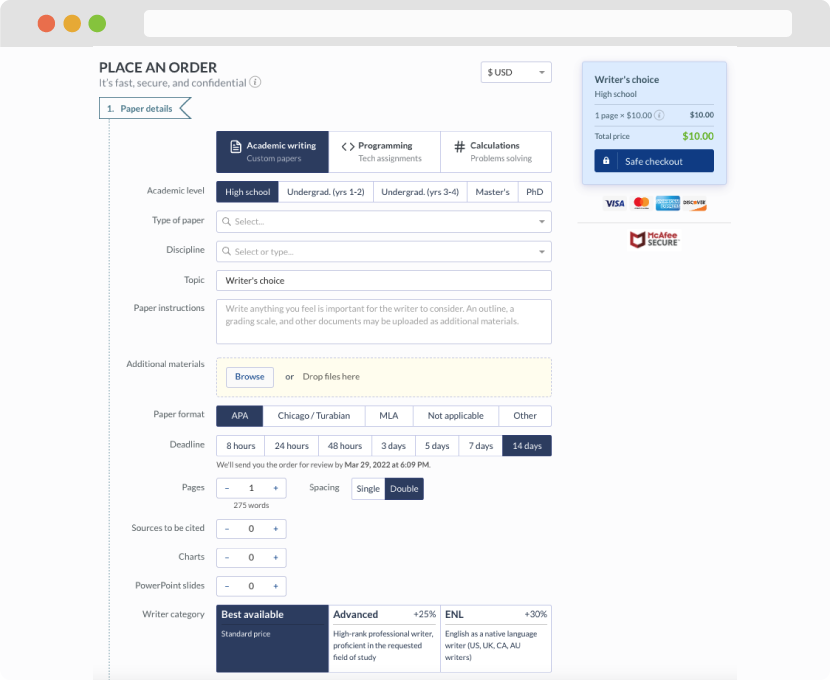
First, you will need to complete an order form. It's not difficult but, if anything is unclear, you may always chat with us so that we can guide you through it. On the order form, you will need to include some basic information concerning your order: subject, topic, number of pages, etc. We also encourage our clients to upload any relevant information or sources that will help.
Complete the order form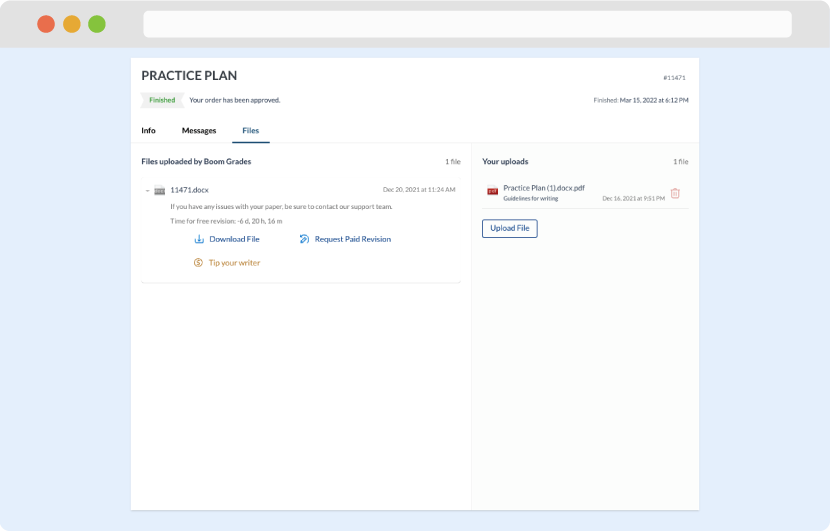
Once we have all the information and instructions that we need, we select the most suitable writer for your assignment. While everything seems to be clear, the writer, who has complete knowledge of the subject, may need clarification from you. It is at that point that you would receive a call or email from us.
Writer’s assignment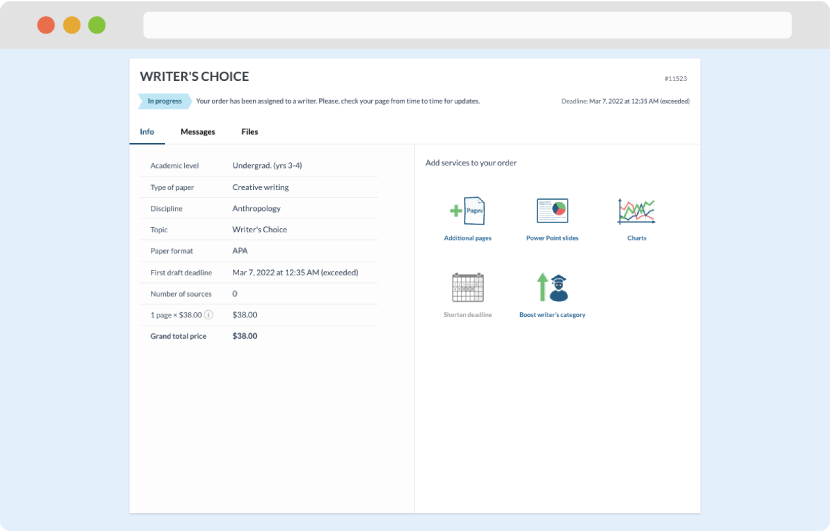
As soon as the writer has finished, it will be delivered both to the website and to your email address so that you will not miss it. If your deadline is close at hand, we will place a call to you to make sure that you receive the paper on time.
Completing the order and download