Build PCB Assembly Model 5-2 as it is described in the “PCB AssemblyModels: Models 5.1 and 5.2” slides. Run your model for 600 days for 50replications with a warm-up period of 100 days. Create necessaryresponse variables in your experiment and report for “Time In System”(Average time boards spent in the system), “WIP” (Work-In-Progress)(Average number of boards being processed in the system at a giventime), NumTimes (On average how many times are boards processed at theplacement station.)
Submit:
1. The Simio model file, with the described experiment;
2.A screenshot/pdf of the PivotGrid results for a run of 600 days anddiscuss your results regarding the mentioned response variables. Intermediate Modeling
Material from Chapter 5 of Simio and Simulation:
Modeling, Analysis, Applications
What is an Object?
• An object is a self-contained modeling construct that
defines that construct’s characteristics, data,
behavior, user interface, and animation.
• Objects are the most common constructs used to
build models.
• An object has its own custom behavior that responds
to events in the system as defined by its internal
model.
• Object behavior may be modified and extended
using process logic.
2
Three Tiers of Simio Object Hierarchy
• An Object Definition defines how an object looks,
behaves, and interacts with other objects.
– Consists of its properties, states, events, external view,
and logic.
• An Object Instance is created when you drag (or
instantiate) an object into your model.
– Includes the property values and may define one or more
symbols
– Refers back to the object definition for all the other
aspects of the object.
• An Object Runspace holds the current value of an
object’s states.
– Created when you start a run, and in some cases can be
dynamically created and destroyed during a run.
3
Three Tiers of Simio Object Hierarchy
4
Simio Object Terminology
• A Model is another name to describe an Object
Definition. When you’re building a model of your
system or subsystem, you’re building an object, and
vice-versa.
• A Project is a collection of Object Definitions (or
Models). Most often the objects in a project are
related by being designed to work together or to
work hierarchically.
– The file extension SPFX stands for Simio Project File.
• A Library is a collection of Object Definitions, or in
fact, just another name for a Project. Any Project file
can be loaded as a Library using the Load Library
button on the Project Home ribbon.
5
Anatomy of an Object
External View
Graphical
representation for
the object.
Attached queues
animate queue
states.
Associated nodes
provide entry/exit to
the object.
Properties
Object
Picture
Static inputs
to the model
logic.
States/Events
Logic
Object behavior is
defined by a model
built using processes
and/or objects.
Object
Object
Object
Interface
Dynamic values
that change
during the run.
Object Characteristics
• Properties are input values that can be specified
when you place (or instantiate) an object into your
model.
• States are dynamic values that may change as the
model executes.
• Events are notifications that the object may fire at
selected times to communicate with other objects.
• The External View of an object is the 2D/3D
graphical representation of the object.
• An object’s Logic defines how the object responds to
specific events that may occur.
7
Properties
• Properties can be of many different types including:
– Standard – Integer, Real, Expression, Boolean, …
– Element – Material, Statistics
– Object – Generic or specific object reference
– Repeat Group – A repeating set of any of the above
• Properties cannot change definition during a run.
• An expression property can contain random variables
and dynamic states. Although the property definition
is “static” it may return a different value each time it
is evaluated.
8
States
• States can be one of several types including:
– Discrete – Value changes only when assigned, types Real,
Integer, Boolean, DateTime, List, or String.
– Level – May change continuously over time based on the
value of a rate of change. The rate may change discretely.
– Level with Acceleration – May change continuously over
time based on the value of a rate of change and
acceleration. The rate and acceleration may change
discretely.
• States can change value during a run.
• States can be scalars or arrays (10 dimensions).
9
Properties vs States
• States and Properties of an Entity object are sometimes
referred to as Attributes of that entity.
• A Property is static and cannot change during a run (even
though the value it returns may change). Examples could
include:
– Processing time, Expected failure rate, Initial speed,
Desired batch size, Cost per hour
• States are dynamic and can change during the run.
Examples could include:
– Processing count, Number of failures, Current Speed,
Batch Size, Accrued Cost
• A State on a Model Definition is often thought of as a
global variable.
10
Simio “dot” Notation
• Simio uses a “dot” notation for addressing an object’s data
such as it’s properties and states.
• The general form is “xxx.yyy” where yyy is a component of
xxx.
• Server1.Capacity.Allocated.Average provides the average
allocated capacity for Server1.
11
Editing Object Properties
• Displayed in Properties Window
• Defined by object builder
• Integers, Booleans, rules, expressions, …
• Expression editor (down arrow at right):
“Top 10” Expressions
• X (a number – integer or real)
• Random.Exponential(mean)
• Random.Triangular(min, mode, max)
• Random.Uniform(min, max)
• ServerName.Capacity.ScheduledUtilization
• ServerName.InputBuffer.Contents
• DefaultEntity.Population.TimeInSystem.Average
• DefaultEntity.Population.NumberInSystem.Average
• SinkName.InputBuffer.NumberEntered
• SinkName.TimeInSystem.Average
Tokens
• A Token is a delegate of an object that executes
the steps in a process.
• A token may also carry its own properties and
states.
• A token carries a reference to both its parent
object and its associated object
– The parent object is an instance of the object in which
the process is defined.
– The associated object is the related object (separate
from the parent object) that triggered this process to
execute.
14
Entities
• Entities are the physical things like parts and people
that move around in a system.
• Part of an object model and can have their own
intelligent behavior. They can make decisions, reject
requests, decide to take a rest, etc.
• Entities have object definitions just like the other
objects in the model.
• Entity Runspaces can be dynamically created and
destroyed, move across a network of links and
nodes, move through 3D space, and move into and
out of fixed objects.
15
Processes
• A process is a set of actions that take place over time
that may change the state of the system.
• In Simio a process is defined as a flowchart using steps
that are executed by tokens and may change the state of
one or more elements.
Steps perform actions such as:
– Delay by a specified time.
– Seize or release an object.
– Wait for an event to occur.
– Decide based on a probability or condition.
– Transfer an entity into a station.
Process Applications
• Processes can be used to build model logic.
Models can be built entirely with objects or
processes, or with a combination of both.
• Objects provide rapid modeling, processes
provide flexibility.
• The Standard Library objects are all built using
processes.
• Processes can be used to insert special logic into
the Standard Library objects on an instance by
instance basis.
Process Types
• A standard process is a Simio-defined process that is
automatically executed by the Simio engine. For
example the OnInitialized process is executed by
Simio for each object on initialization.
– A decision process is a standard process used by the
engine to ask the object to return a True/False decision
(e.g. will you pick me up?).
– Decision processes cannot have time delays.
• An add-on process is incorporated into an object to
allow the user of that object to insert special logic.
• An event-triggered process is user-defined process
that is triggered by an event that fires within the
model (e.g. Input.Entered).
Add-On Processes
• Add functionality to an
object without changing the
object.
• Look to description to
determine best trigger
point.
• Processes “live” in parent
model
Process Summary
• Steps (executed by tokens)
– Properties
• Elements (referenced by
steps)
– Properties
– States
– Events
• Tokens
– Properties
– States
Objects as Resources
• Objects have a resource capacity that can be fixed or
follow a schedule.
• Any object may seize capacity of another object and
use it as a “resource”.
• Objects maintain a ranked queue of other objects
that are waiting to seize capacity.
• When an object is released it is reallocated by either
selecting the first in the allocation queue, or
dynamically selecting from all waiting objects.
• Have automatic capacity statistics.
• Intelligently interact with the objects attempting to
seize it.
Resource States
22
Model 5-1: PCB Assembly
Queueing Analysis
• Placement Utilization = 10/15 = .667
• Inspection Utilization = 10/20 = .500
• System is stable
23
Model 5-1: PCB Assembly
Simio Model
• Arrivals Exponential(6)
• Placement processing Triangular(3,4,5)
• Inspection processing Uniform(2,4)
24
Model 5-2: PCB Assembly – Rework
• Add Rework, Worker Schedules, and Machine
Failures
• Collect statistics on Times Processed through
Placement
25
Model 5-2: PCB Assembly – Schedules
• Add Inspection Schedule
– Three 8-hour shifts each with a 1 hour lunch break
• Add Rework Schedule
– One 8-hour shift (4p-1a) with a 1 hour lunch break
26
Model 5-2: PCB Assembly – Failures
27
Model 5-2: PCB Assembly – Failures
28
PCB Assembly Models
Chapter 5: Intermediate Modeling with Simio
Model 5-1: PCB Assembly
Printed-Circuit Boards (PCB) Assembly
Defining Expectations Using Queueing Theory
for Model Verification
Model Verification
Model 5-1: Simio Facilities View
Inspection Output Node Routing Logic
Defining Link Weights
Create a response variable
for Time In System
Create a Response Variable for
Average Number In System (We
named it Work In Progress (WIP)
in this screenshot)
Verification with Exponential Processing Times
Model 5-1 Initial Results
SMORE Plot of the Response Variables
Model 5-2: Enhanced PCB
Assembly
Model 5-2: Enhanced PCB Assembly
Model 5-2: Enhanced PCB Assembly
Model 5-2: Simio Layout
User-Defined Statistics
State Assignment in Placement Object
State Assignment Property of ModelEntity
Add-on Process for counting Good
Parts entering the GoodParts Sink.
Inspection & Rework Resource Schedules
Creating Work Schedules & Day Patterns
Work Schedules
and Day Patterns
Simio Server Failures
Resource State Failed Time in Pivot Grid
Starved Time/State
Essay Writing Service Features
Our Experience
No matter how complex your assignment is, we can find the right professional for your specific task. Achiever Papers is an essay writing company that hires only the smartest minds to help you with your projects. Our expertise allows us to provide students with high-quality academic writing, editing & proofreading services.
Free Features
Free revision policy
$10Free bibliography & reference
$8Free title page
$8Free formatting
$8How Our Dissertation Writing Service Works
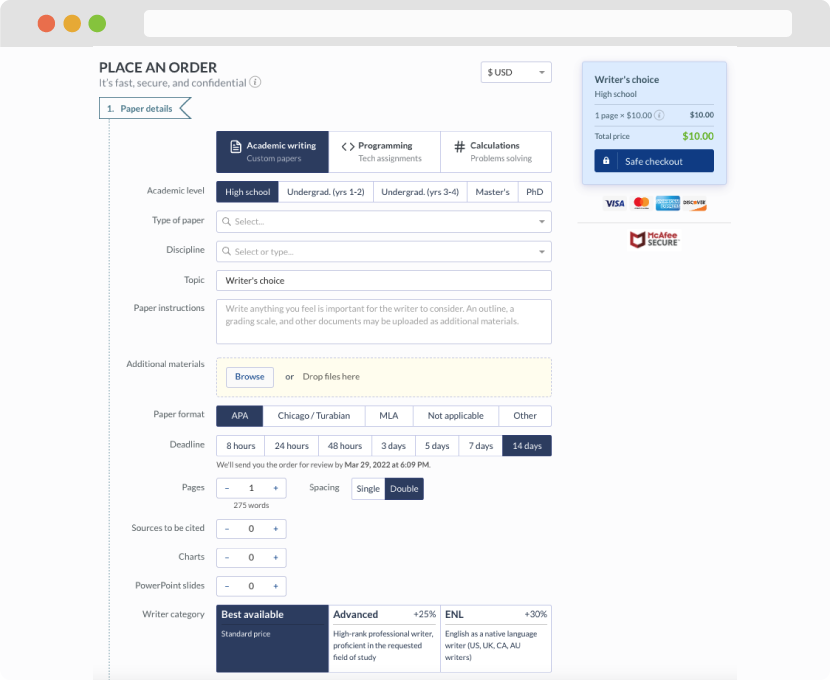
First, you will need to complete an order form. It's not difficult but, if anything is unclear, you may always chat with us so that we can guide you through it. On the order form, you will need to include some basic information concerning your order: subject, topic, number of pages, etc. We also encourage our clients to upload any relevant information or sources that will help.
Complete the order form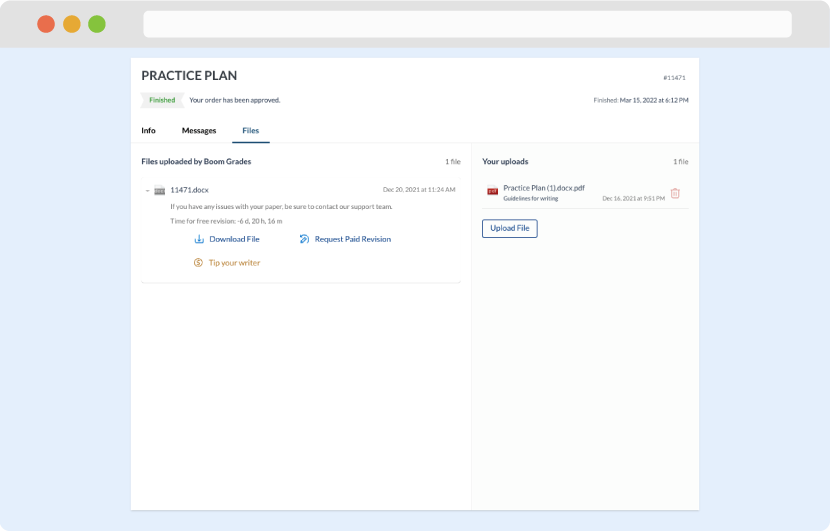
Once we have all the information and instructions that we need, we select the most suitable writer for your assignment. While everything seems to be clear, the writer, who has complete knowledge of the subject, may need clarification from you. It is at that point that you would receive a call or email from us.
Writer’s assignment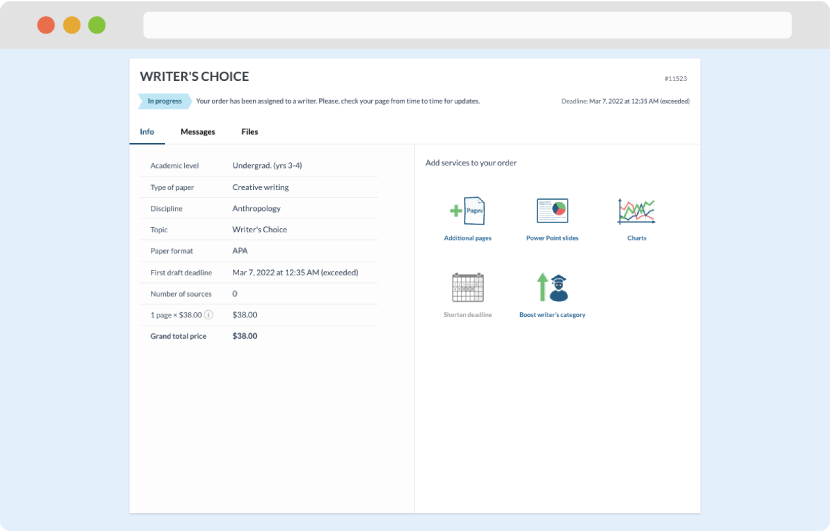
As soon as the writer has finished, it will be delivered both to the website and to your email address so that you will not miss it. If your deadline is close at hand, we will place a call to you to make sure that you receive the paper on time.
Completing the order and download