https://wormhole.app/3bpP8#IBLA1BhKRSZOMi904spWNQ
Assignment 4: Descriptive statistics, Correlations and Visualization
INTG1-GC 1055
Complete the following exercises. Make sure to include ALL calculations and outputs to receive
full credit. Be concise and specific in your answers.
1) A company employs 300 people. Each of them is asked how long they have worked at the company,
in years. Answer the following questions, given the frequency distribution below:
Tenure: Length of Employment
Cummulative
Frequency
Percent
Percent
1
2
3
4
5
6
7
8
9
10
11
12
13
14
16
18
Total
a)
b)
c)
d)
12
39
49
37
41
30
15
24
12
14
14
3
3
2
4
1
300
4.0%
13.0%
16.3%
12.3%
13.7%
10.0%
5.0%
8.0%
4.0%
4.7%
4.7%
1.0%
1.0%
0.7%
1.3%
0.3%
100%
4.0%
17.0%
33.3%
45.7%
59.3%
69.3%
74.3%
82.3%
86.3%
91.0%
95.7%
96.7%
97.7%
98.3%
99.7%
100.0%
What is the mode?
What is the median?
What percent report that they have worked at the company for more than 10 years?
What proportion report that they have worked at the company at least 5 but less than 10 years?
2) Using SPSS and for each of (a), (b), and (c) below, generate a dataset with n = 20 cases on X and Y
and then a corresponding scatterplot depicting each the following. Copy your scatterplot into your
response.
a) a large positive but not perfect correlation between X and Y.
b) a correlation of about zero between X and Y.
c) a negative correlation weaker than the correlation between X and Y in your response to (a) but
not a perfect negative correlation.
For each of (a), (b), and (c) calculate the Pearson correlation between X and Y using and copy the
output showing the correlation into your response.
3) Open BevXPfin.sav in SPSS and familiarize yourself with the data and SPSS layout. Check the
original survey BevXP Statistics Course. Please provide all tables and interpretations of
results where needed in Word or PDF file. Provide Output file as PDF.
a) Data Preparation
i) Clean data
(1) Provide descriptives for Age variable and report maximum and minimum values
(2) Select cases based on Age between 21 and 85. Report how many cases are
excluded.
(3) Select cases based on Income and exclude those that “prefer not to answer” that
question (option 9). Report how many cases are excluded.
(4) Keep the file with selection of cases based on income variable for further
analysis.
ii) Compute new variables
(1) Satisfaction – average of Sat1, Sat2, and Sat3
(2) WOM – average of WoM1, WoM2, WoM3, and WoM4
(3) Return_Intention – average of RI1, RI2, and RI3
(4) Social_Environment – average of Soc1, Soc2, Soc3 Soc4 and Soc5
iii) Recode Income into different variable (Income_levels) with three levels: 1) Low
Income $0 – $50,000; 2) Medium Income – $50,001 – $100,000; and 3) High Income –
$100,001 and above
iv) Create and interpret Box Plots for
(1) Satisfaction
(2) WOM
(3) Return_Intention
b) Descriptive Analysis
i) Create Bar Charts and interpret them in one sentence
(1) Bar type and age
(2) Education (frequency)
ii) Create Histograms and interpret them in one sentence
(1) Age
(2) Satisfaction
iii) Create Pie Charts and interpret them in one sentence
(1) Gender
(2) Ethnicity
(3) Income_levels
iv) Create population Pyramid – Age based on Gender Split
v) Create Frequency tables and interpret them in one sentence
(1) Sub_type
(2) Live_entertainment
(3) Food_offer
(4) Beverage_order
c) Univariate Statistics – Explore Variables and report means, standard deviations, and 95%
confidence interval
i) Satisfaction
ii) WOM
iii) Return_Intention
d) Split File based on income_levels
i) Compare Pie Charts and report differences between income groups for
(1) Gender
(2) Ethnicity
ii) Compare Means and report differences between income groups for
(1) Satisfaction
(2) WOM
(3) Return_Intention
iii) Compare Frequencies and report differences between income groups for
Beverage_order
iv) Merge file back together
e) Bivariate Analysis
i) Create Scatter Plots interpret them in one sentence for
(1) Social_Environment and Satisfaction
(2) Satisfaction and WOM
(3) Satisfaction and Return_Intention
ii) Create Cross tabulations interpret them in one sentence for
(1) Beverage_Order and Gender
(2) Education and Income_level
iii) Calculate Correlation interpret them in one sentence (explain if they are large or
small) for pairs
(1) Social_Environment and Satisfaction
(2) Satisfaction and WOM
(3) Satisfaction and Return_Intention
iv) Create Correlation Matrix with 1) Social_Environment, 2) Satisfaction, 3) WOM, and
4) Return_Intention
Essay Writing Service Features
Our Experience
No matter how complex your assignment is, we can find the right professional for your specific task. Achiever Papers is an essay writing company that hires only the smartest minds to help you with your projects. Our expertise allows us to provide students with high-quality academic writing, editing & proofreading services.
Free Features
Free revision policy
$10Free bibliography & reference
$8Free title page
$8Free formatting
$8How Our Dissertation Writing Service Works
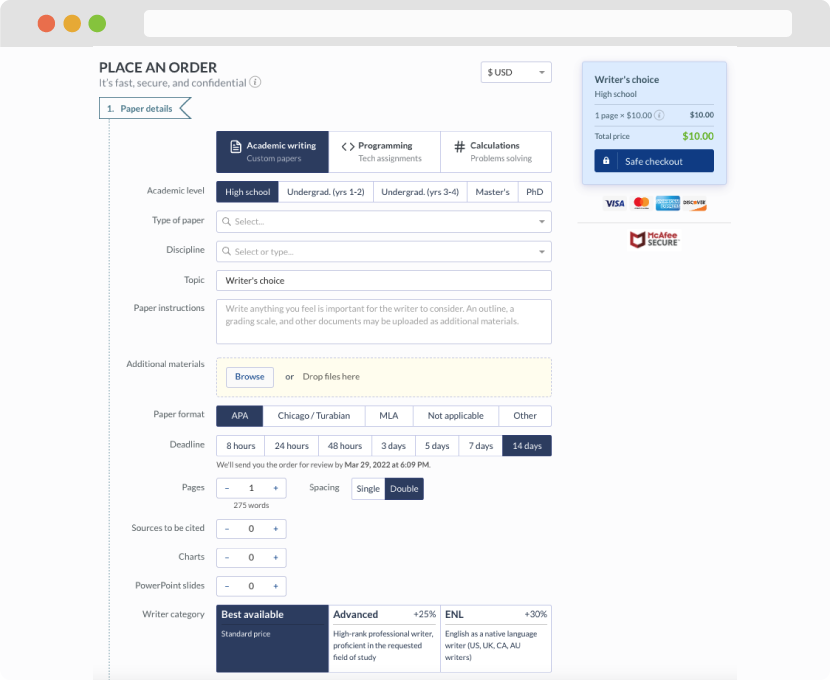
First, you will need to complete an order form. It's not difficult but, if anything is unclear, you may always chat with us so that we can guide you through it. On the order form, you will need to include some basic information concerning your order: subject, topic, number of pages, etc. We also encourage our clients to upload any relevant information or sources that will help.
Complete the order form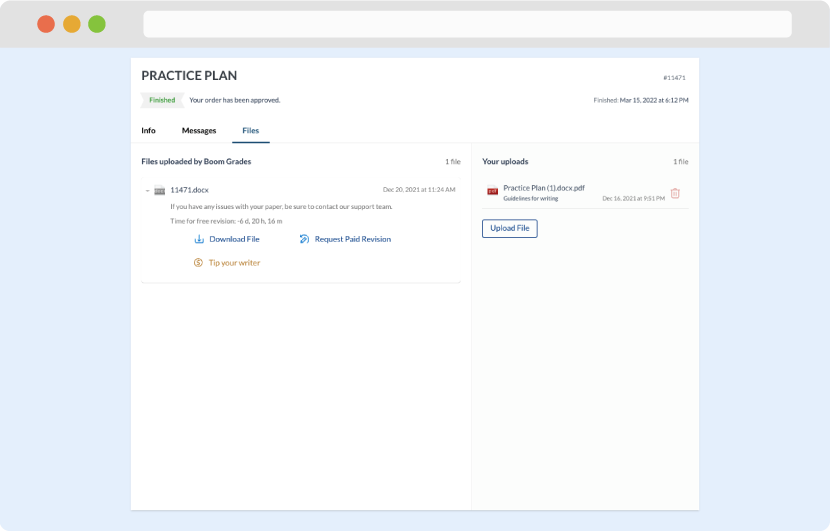
Once we have all the information and instructions that we need, we select the most suitable writer for your assignment. While everything seems to be clear, the writer, who has complete knowledge of the subject, may need clarification from you. It is at that point that you would receive a call or email from us.
Writer’s assignment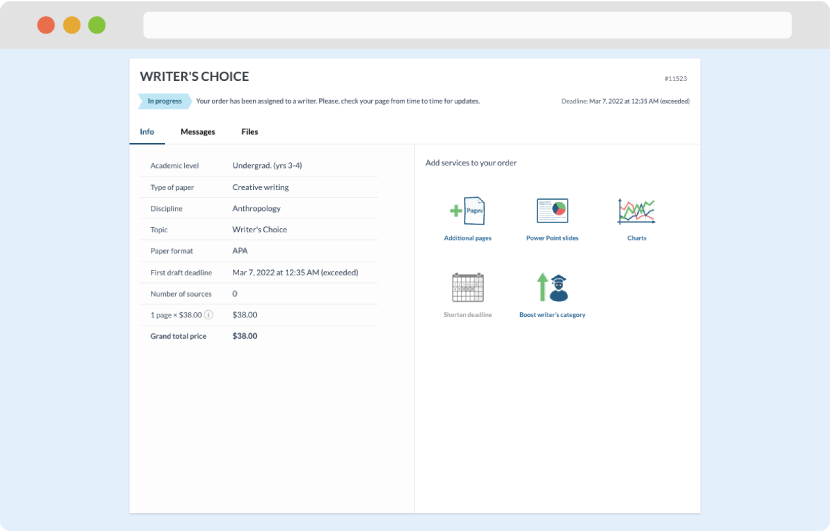
As soon as the writer has finished, it will be delivered both to the website and to your email address so that you will not miss it. If your deadline is close at hand, we will place a call to you to make sure that you receive the paper on time.
Completing the order and download